Effi makes it easy to add video to any scene , whether it’s a promo clip, an intro reel, b-roll, or a pre-recorded segment. You can upload video directly through the Video element or add it to your Media Library first and drag it into your scene.
Below are both methods.
Method 1: Add video using the Video element
This is the quickest way to upload a video directly into a scene.
1. Open the Elements panel
In your scene, click Elements to open the list of available components.

2. Choose “Video”
Select the Video element.
This will add a video placeholder to your scene.
3. Upload your video
Click the upload prompt to choose a file from your computer.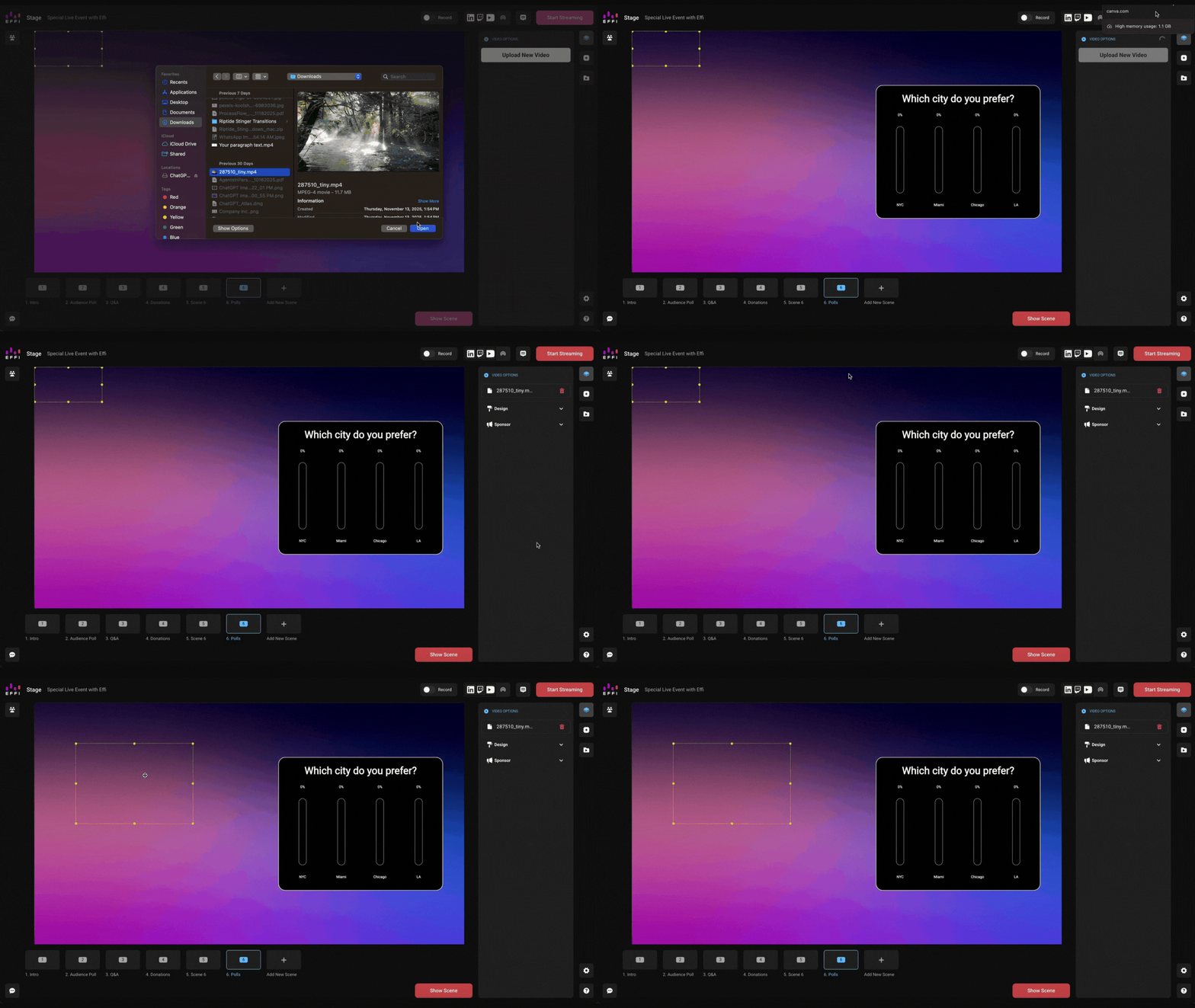
4. Your video is now in two places
When you upload through the Video element:
The video is added directly to your scene
A copy is automatically saved to your Media Library
Note: This is helpful if you plan to reuse the clip in other scenes
Method 2: Upload to the Media Library and drag it into a scene
If you prefer organizing your assets first or uploading multiple videos at once, this method may be easier.
1. Open your Media Library
Click the Media Library icon in your sidebar to view all your uploaded assets.

2. Upload your video
Select "Add new media" to upload your video(s).

3. Drag and drop the video into your scene
Go to your scene and simply drag the video from your Media Library into place.
Note: This method is great if you want to build out your visual assets before designing your scenes.
Regardless of the method you choose to use, your video ends up in your Media Library and can be reused across scenes.
Was this article helpful?
That’s Great!
Thank you for your feedback
Sorry! We couldn't be helpful
Thank you for your feedback
Feedback sent
We appreciate your effort and will try to fix the article